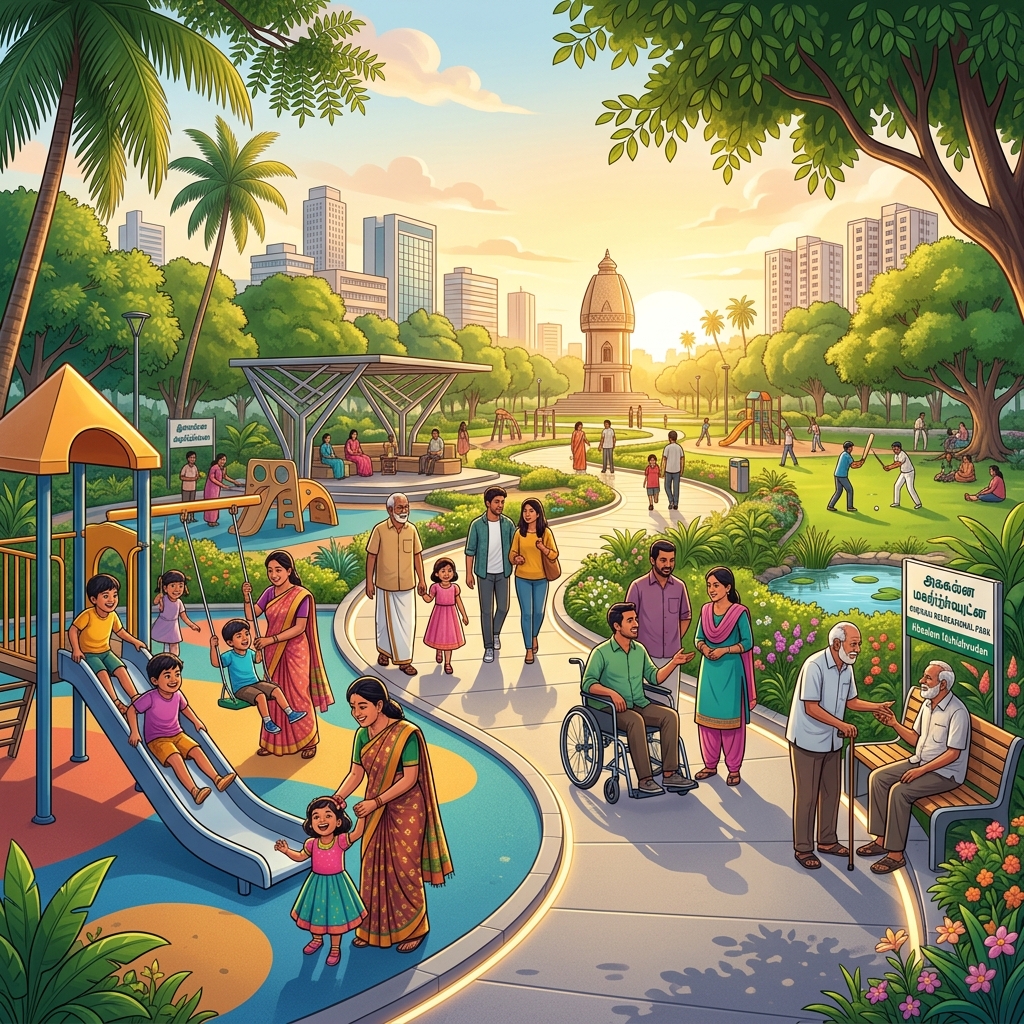
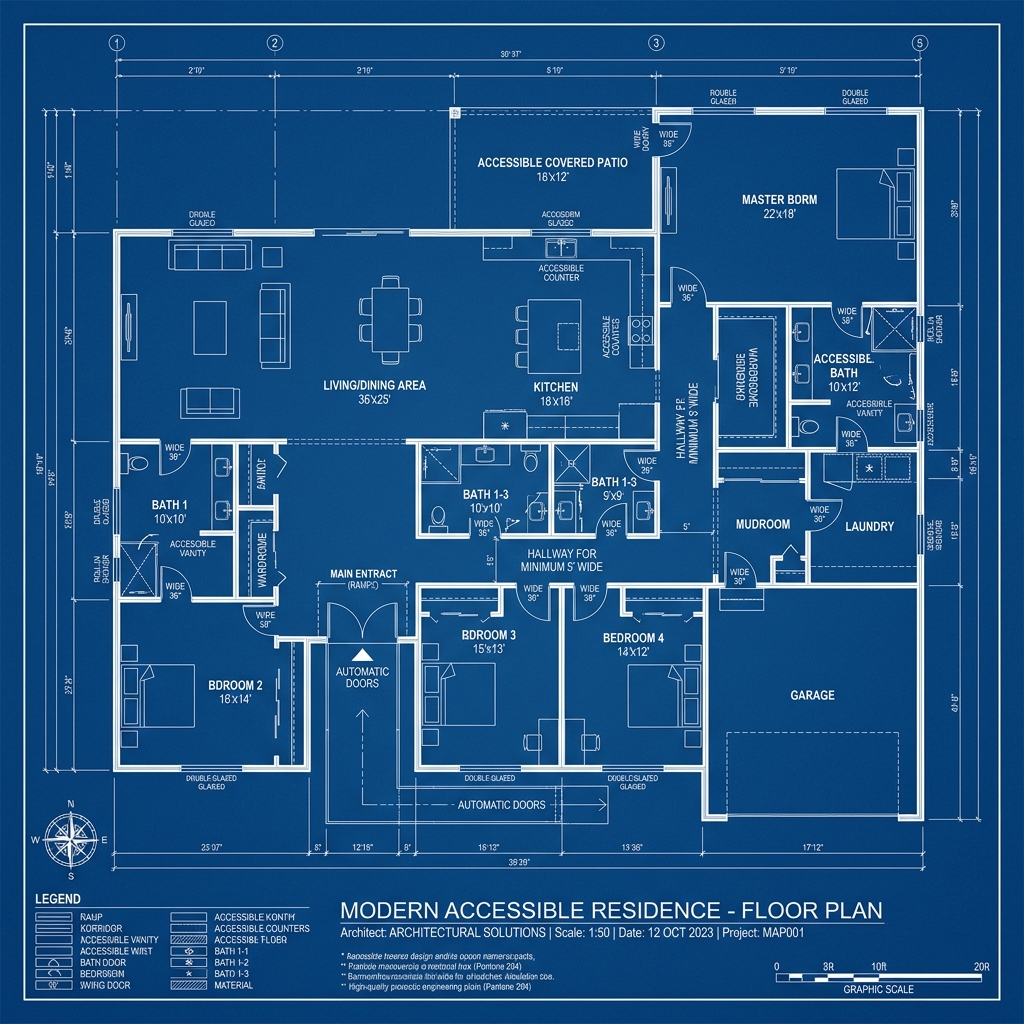
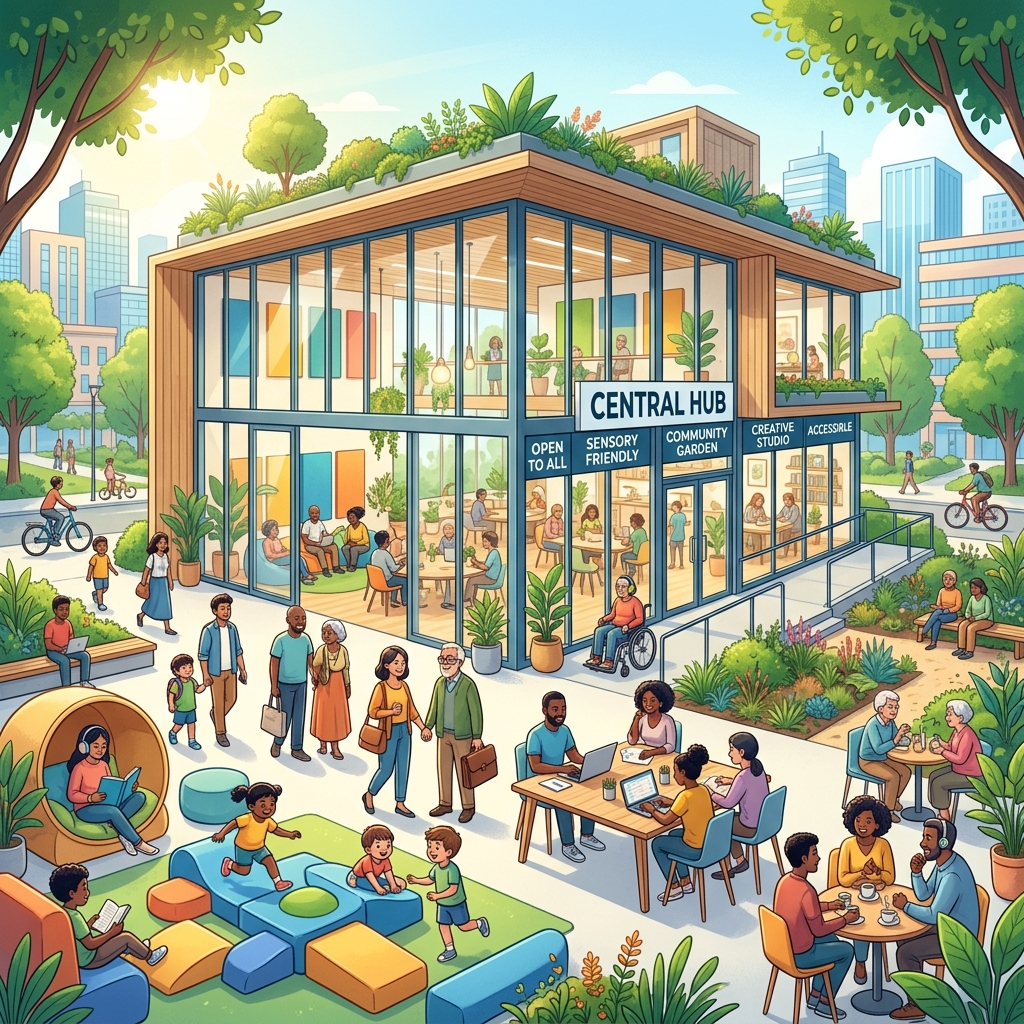
In the world of Universal Design (UD), the goal is to create an environment that is usable by all people, to the greatest extent possible, without the need for adaptation or specialized design. For a Computer Science and Engineering student, think of this as Universal Compatibility—designing an "Interface" (the park) that works on every "Operating System" (human ability).
Here is the blueprint for creating a barrier-free urban recreational space.
1. The Principle of Equitable Use
The design must be "identical whenever possible; equivalent when not."
- The Concept: Avoid "Special Entrances" for the disabled. If the main entrance has stairs and the wheelchair ramp is around the back near the trash bins, the design has failed.
- Detailed Explanation: A proper blueprint uses Graded Entry. Instead of stairs, the entire entrance is a gentle slope (less than 1:20 grade). This creates a "seamless handshake" between the sidewalk and the park that works for a runner, a grandmother with a walker, and a toddler on a scooter simultaneously.
2. Low Physical Effort: "The Fatigue Filter"
Infrastructure should be designed to minimize physical exhaustion, which is a major barrier for the elderly.
- Rest Nodes: Place seating at intervals of every 30 to 50 meters along all footpaths.
- Ergonomic Seating:
- Height: Benches should be 45cm to 50cm high. If they are too low, elderly individuals struggle to stand back up.
- Armrests: Must be included. They provide the necessary leverage (mechanical advantage) for those with limited lower-body strength to push themselves up.
- The "Zero-Step" Philosophy: Ensure there are no curbs or lips higher than 1cm across the entire grounds. This prevents "tripping packets" for those who shuffle their feet or use wheels.
3. Perceptible Information: "The Multi-Modal UI"
Information must be communicated effectively, regardless of the user's sensory abilities (vision or hearing).
- Redundant Cueing: Use "Visual + Tactile + Auditory" signals.
Visual: High-contrast signage (Black text on Yellow background is the most legible for aging eyes).
Tactile: Braille on handrails and Tactile Ground Surface Indicators (TGSI) that change texture when approaching a crosswalk or water feature.
Auditory: In "Smart Parks," use low-frequency "pings" at entrance nodes to help visually impaired users orient themselves.
- Wayfinding Logic: The layout should be "Self-Explaining." Paths should lead logically to the "Hub," reducing the cognitive load on visitors with dementia or developmental disabilities.
4. Size and Space for Approach and Use
The physical "Buffer" around equipment and seating must accommodate different body sizes and mobility devices.
- The Turning Circle: Every "node" or seating area must have a clear diameter of 1.5 meters. This is the standard "Buffer Size" required for a wheelchair to make a full 360-degree turn.
- Knee and Toe Clearance: If you include picnic tables or chess boards (popular in urban parks), they must be "cantilevered." This means the legs of the table are recessed so a wheelchair user can roll their chair directly under the table, just like a standard desk.
5. Technical Audit for Your Blueprint
| Feature | Engineering Requirement | Benefit |
|---|
| Path Width | 2.0 Meters (min) | Allows a wheelchair and a walker to pass side-by-side. |
| Slope / Grade | 1:20 (5% Incline) | Requires minimal "torque" for manual wheelchair users. |
| Handrails | 32mm - 45mm Diameter | Optimized for "Power Grip" (maximum friction for weak hands). |
| Acoustics | < 60dB Ambient Noise | Essential for those with hearing aids to filter speech. |